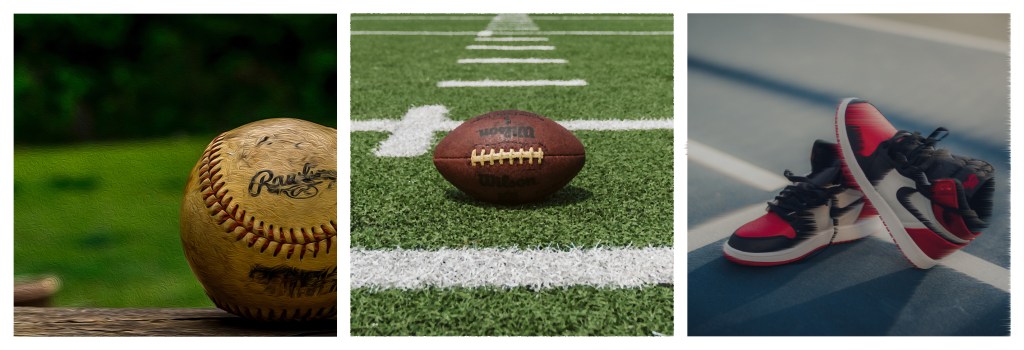
Altered Self
I altered the images by cropping them 6 inches by 6 inches. Next I put all of the guides on the blank layer to prepare it for the images that I planned on inserting. Then after inserting all three images I played with the different filters on each of the images. The first image I went with water color, the second image I chose facet and the third image I chose to use wind as the filter. I also played with mosaic and rendered a tree while I was playing with the filters. I experimented with cherry trees and red woods.
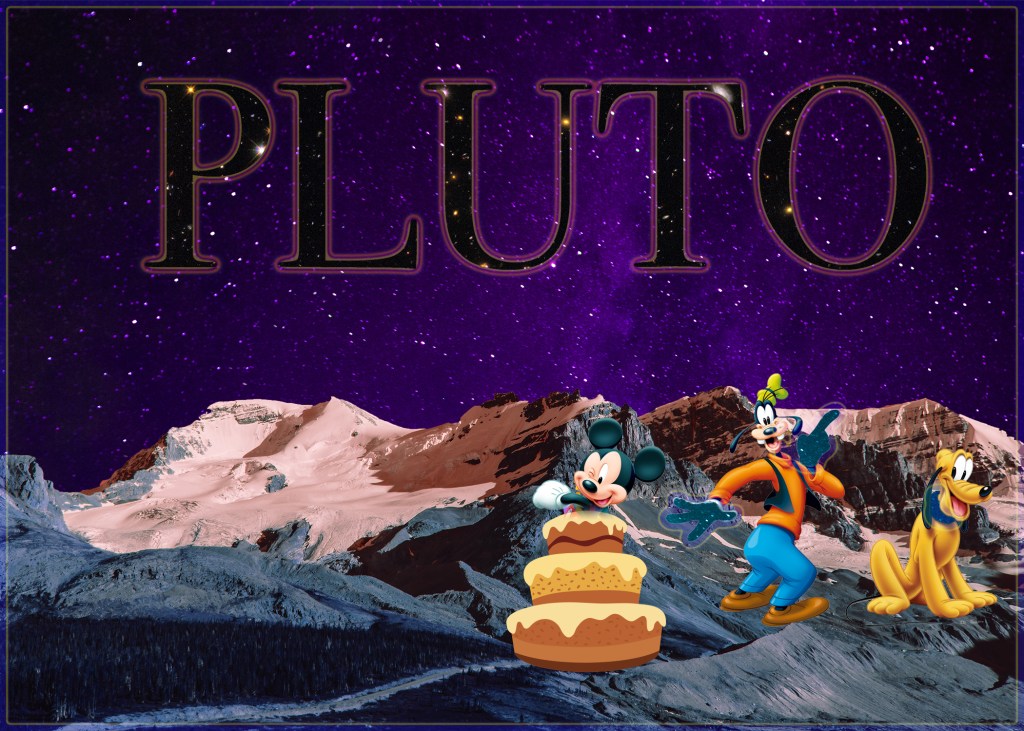
Layer Masks
For this project I experimented with the different layers using different characters from Disney. I used a layer mask to make it look like Mickey was jumping out of a cake for Pluto’s birthday, along with using layer masks to make Goofy’s hands and Pluto’s collar glow and show the space behind. We also used the layermask for the space background and the mountains below it.
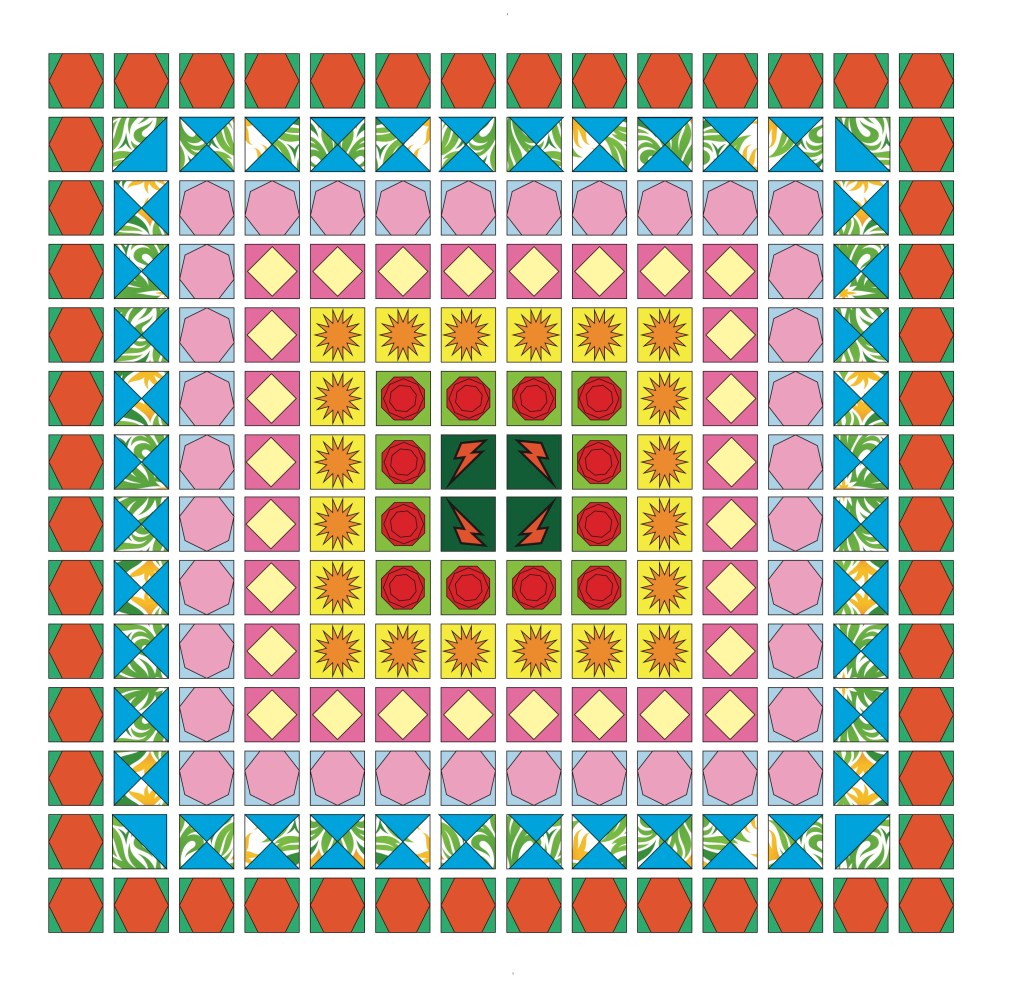
49 Boxes Filled with Shapes and Color x4
I really enjoyed this assignment, I remember talking to one of my friends who is a graphic design major while she was doing this assignment last semester and it looked like a lot of work. When I did the assignment today, I realized it was not all that difficult and was more fun. I mainly used the polygon tool to make shapes inside of the squares and the duplicate short cut was very helpful. At the end, I used the pen tool to make a lightning bolt in my final square. I became much more experienced in all of the illustrator tools throughout this project.
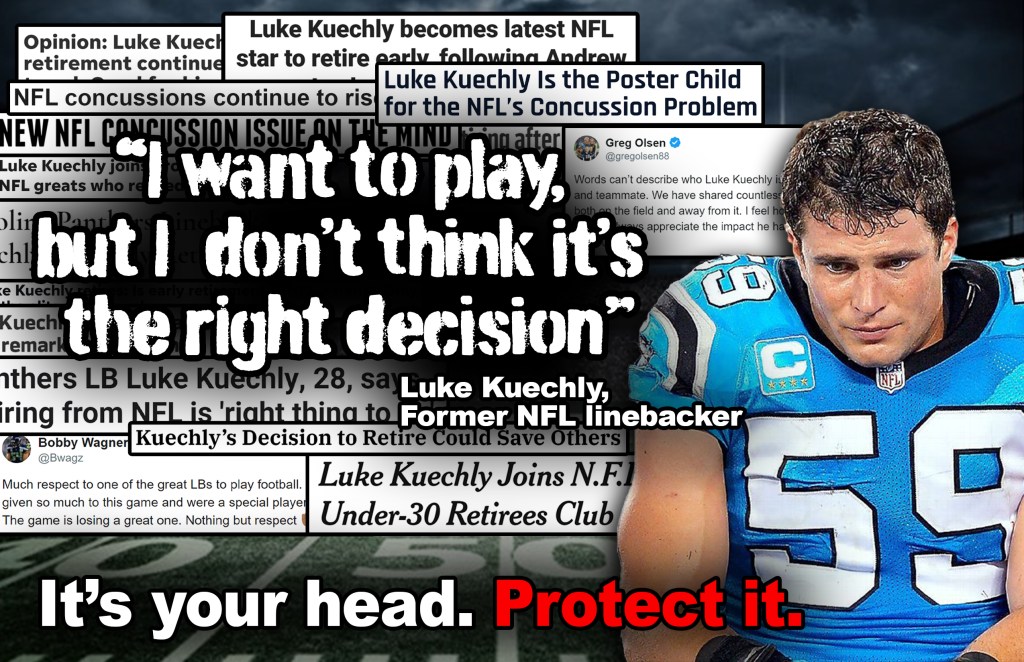
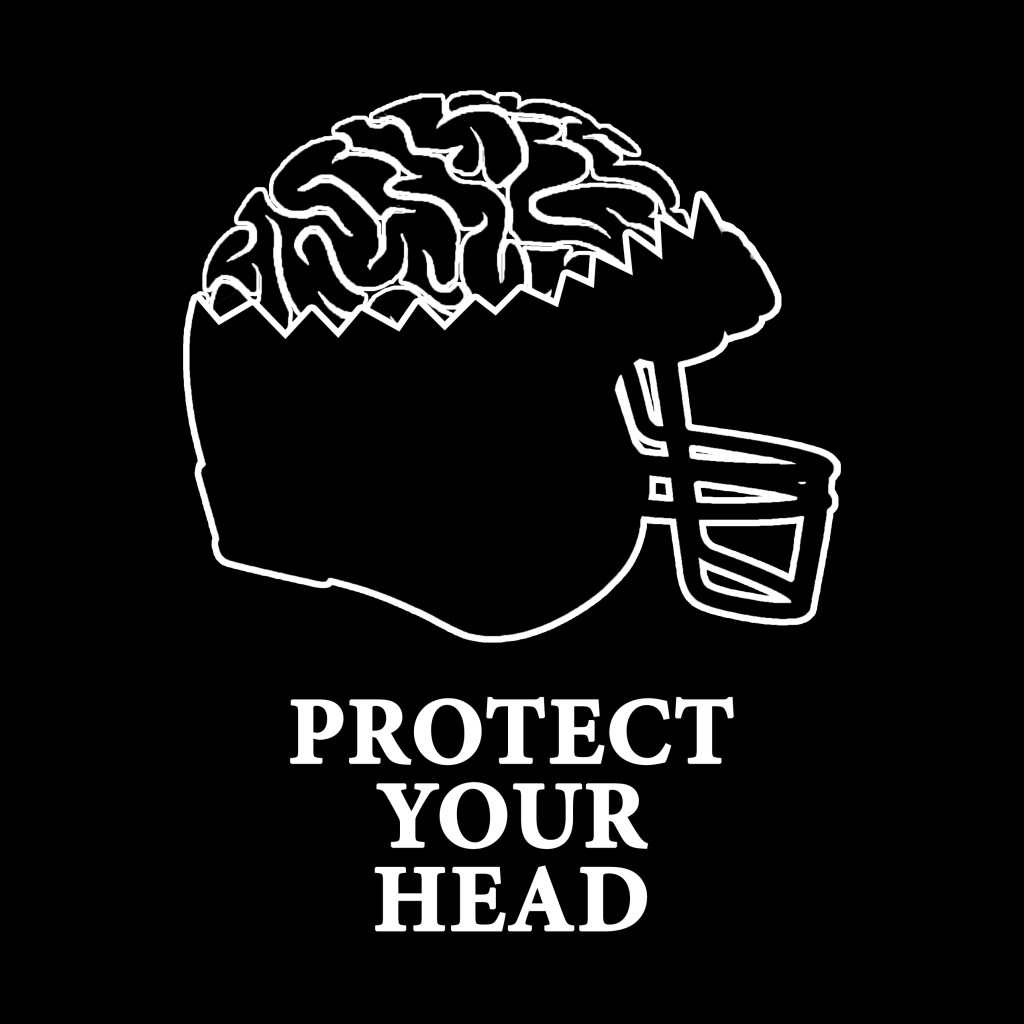

Social Awareness Project
In this project we used a mix of Adobe Illustrator and Photoshop. In our group we decided to tackle the problems surrounding concussions in the NFL. We used headlines from articles about the ealry retirement of Luke Keuchly. He was an all pro linebacker but decided to retire because of constant concussions that riddled his career.
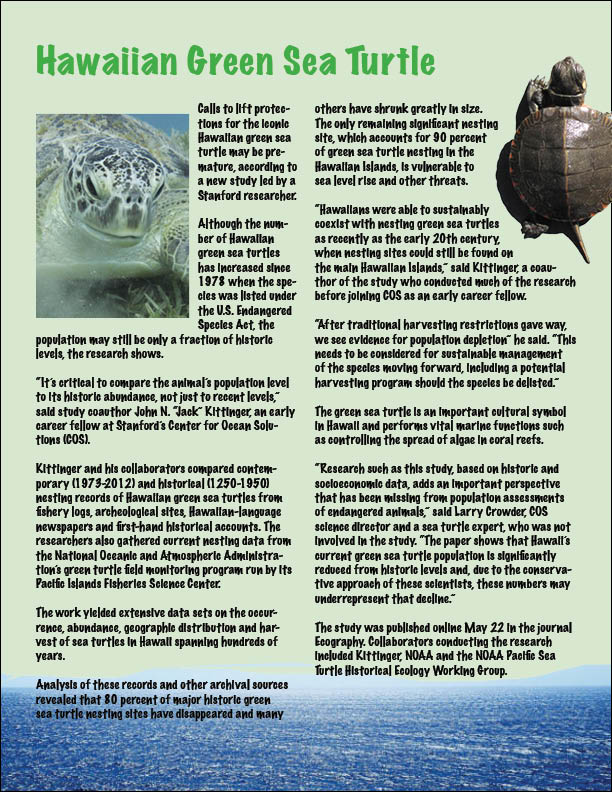
Single Page Publication Design
In this assignment we learned many new aspects in InDesign. The first thing we learned was how to make columns of text, then we inserted turtle images and learned how to wrap text with both a solid image and a transparent image. Then we used the picture of the ocean and edited it in photoshop to make the water the only part visible. Lastly, we put a light green tint color background behind the writing. These were all very helpful skills that I was able to learn.
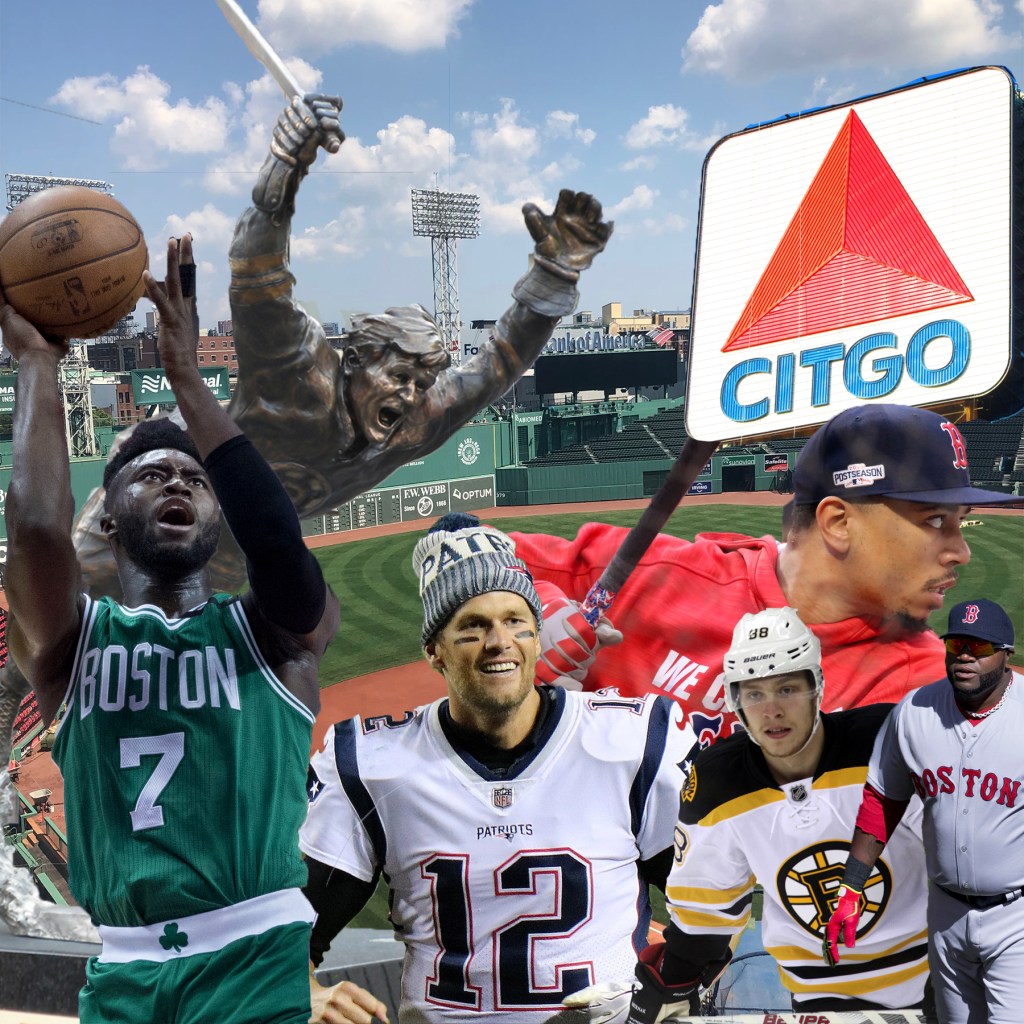
Original Composition
Originally I had no experience with the tools that we learned today in Photoshop, but by the end I felt like a professional. I used the quick selection tool to outline the different athletes that I wanted to put in my picture and then cut them out and arranged them. I used a 12in x12in background of Fenway Park and layered different athletes and symbols of Boston over it. The toughest part was making sure that each player fit and was not floating in the air with no legs. The composition is rgb with 150 ppi.
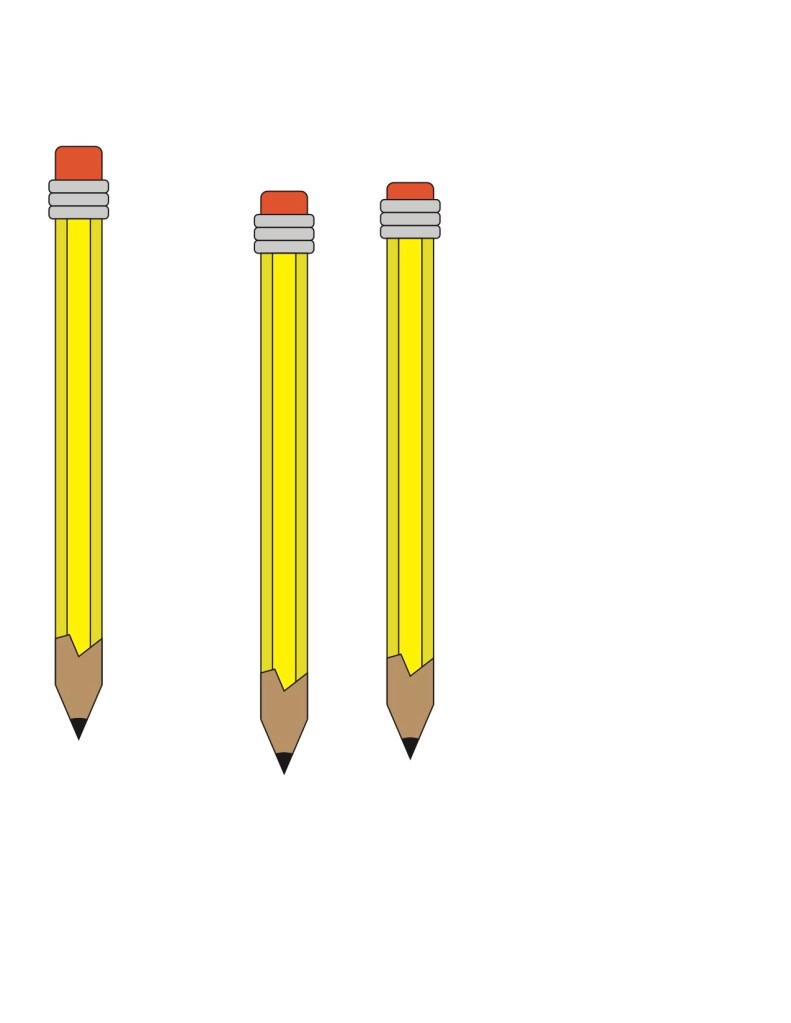
Building a Pencil
Throughout this process I learned how to make the different shapes in Adobe Illustrastrator. We learned how to round objects by bringing in the edges. This was helpful on the eraser and the metal pieces. The most helpful short cut that I learned is that the exact shape is duplicated if you hold down the options button and drag it across. Along with this, we learned how to merge the bottom of the pencil together and cut out the circle to make the lead. I really enjoyed this project.
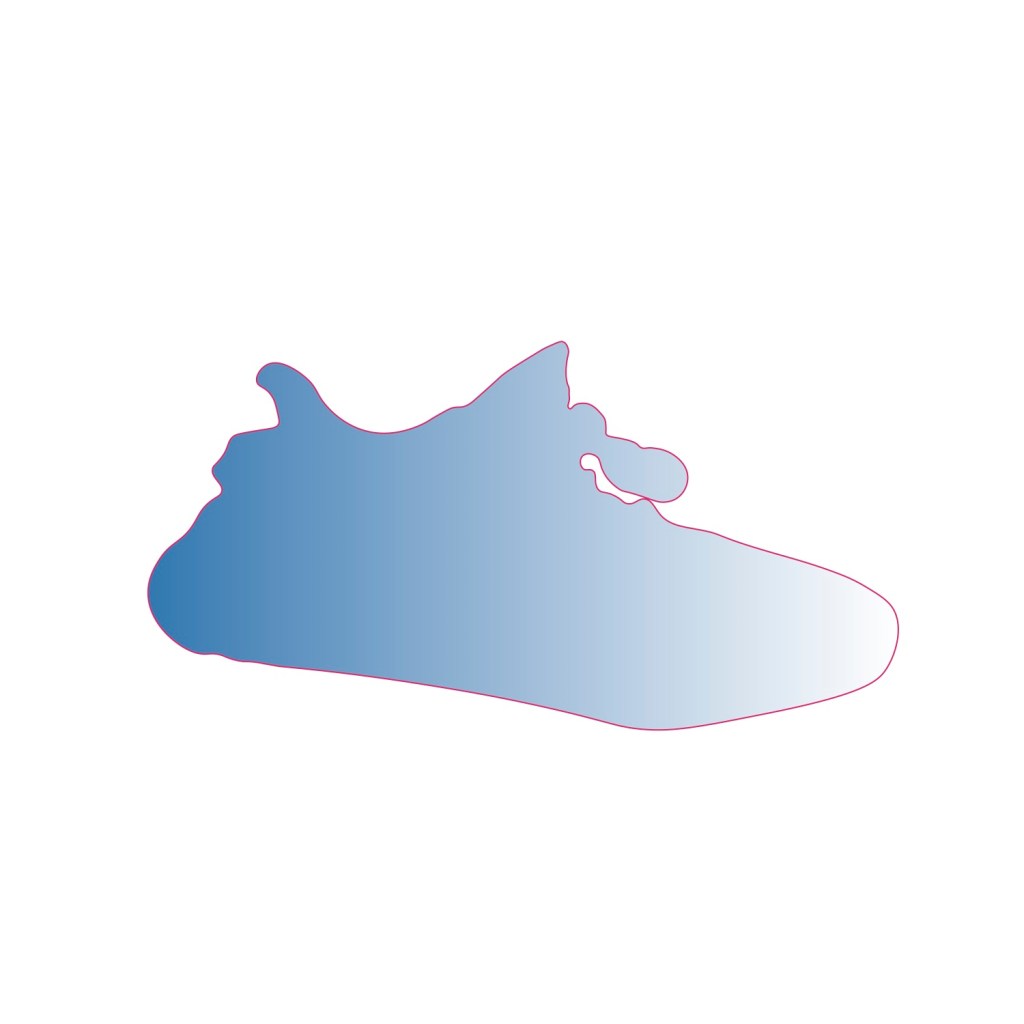
Tracing Using the Pen Tool
I decided to trace a yeezy sneaker, because they are one of my favorite sneakers. To do this I used the pen tool in Adobe Illustrator. At some of the points, I had to zoom in so that I could trace around the laces, at the end I deleted the background and filled it with a light blue gradient that mirrors the sneakers that I have. I think this was a fun activity and I feel like I gained a good understanding of the tool.
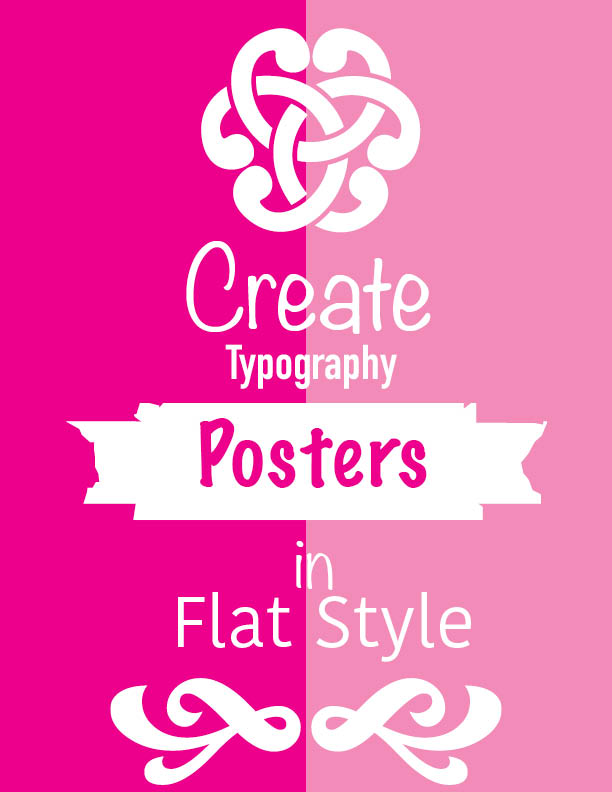
Simple Poster Design
This assignment was our introduction to Indesign. In this project we learned how to use the text tool, color swatches and how to edit an image in illustrator. Our assignment was to create a poster using different fonts and colors, I think that I really benefited from the share desktop feature on zoom and it allowed me to master the different tools that we were shown. I also gained more knowledge about formatting in Indesign during this module.

Hey, I’m Brendan Samson a 3+1 Journalism Major from Westminster, Massachusetts. My biggest interest is in sports, I love anything sports and that has led me on my career path of sports journalism. This stemmed from my love of reading feature articles on different athletes and eventually realizing that I want to write those articles. My biggest strength is that I am able to put a positive spin on any situation. This along with my background of playing competitive sports makes me great at teamwork. I can work well with anybody and find something in common with them. Another one of my strengths is that I am a good leader. During my senior year of high school I was a three sport captain, as well as receiving 3 sportmanship awards throughout my 4 years. Along with this, I was the captain of my intramural flag football team this fall. Another skill of mine is I can do work that requires great attention quickly and efficiently. Last summer, I have had a job maintaining my local baseball fields and also as a chef there. In each of these jobs I needed to make sure that my work is just right and in a timely manner.
 Brendan Samson SPS 106 Blog